


iProtect Time Attendance-Leave Workflow Configuration
iProtect Time Attendance-Leave Workflow Configuration
Frequently Asked Questions
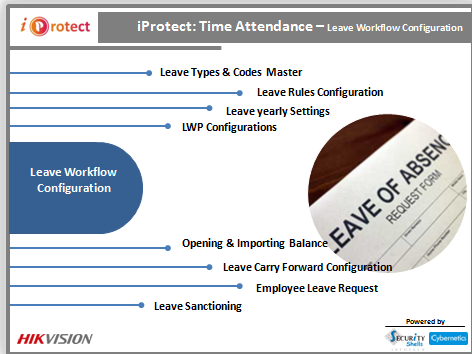
Q.What leave types can be configured in iProtect?
iProtect supports unlimited custom leave types with unique codes — such as Casual Leave, Sick Leave, Earned Leave, Compensatory Off, and more — each with its own accrual rules and entitlements.
Q.How does LWP (Leave Without Pay) work in iProtect?
LWP in iProtect is automatically calculated when an employee's leave balance is exhausted. The LWP settings define whether the salary deduction is applied to basic pay or gross pay, and how it reflects in payroll reports.
Q.Can iProtect import opening leave balances for new employees?
Yes. iProtect provides an Opening & Importing Balance feature that allows bulk import of leave balances via Excel, making it easy to onboard new employees with their existing leave entitlements.
Q.Does iProtect support leave carry forward at year end?
Yes. The Leave Carry Forward Configuration lets administrators define rules for each leave type — including maximum carry-forward limits, expiry dates for carried-forward leaves, and automatic year-end processing.
Q.How can employees apply for leave in iProtect?
Employees can submit leave requests through the iProtect employee self-service portal, specifying leave type, dates, and reason. Managers receive notifications for approval, and the workflow status is tracked in real time.